 Tips
TipsMusic Bingo with Spotify: How to build the perfect playlist
Spotify is the ideal tool to build your music bingo playlist. Discover how to pick the best songs, how long to play each clip, and how to import your list straight into your bingo cards.
Music bingo and Spotify: a perfect match
Spotify has over 100 million songs, making it the perfect place to build a playlist for your music bingo night. Whether you go for 80s hits, summer anthems or a mixed bag of crowd-pleasers — Spotify has it all. In this guide you'll learn how to put together a great playlist and how to use it to generate your bingo cards in minutes.
Why Spotify works so well for music bingo
Music bingo is all about recognition. Players need to identify a song within a few seconds of it starting. Spotify helps you in two ways:
1. Discovering songs: Playlists, search filters and recommendations make it easy to find tracks your crowd already knows.
2. Playing songs: During the game you play the clips directly from Spotify on your phone or laptop — no extra software needed.
You don't need to be a music expert. Spotify does the heavy lifting.
Step 1: Create a dedicated playlist
Always start with a fresh, empty playlist. Give it a clear name like "Music Bingo — Sarah's birthday" or "Office Bingo Night". That way you stay organised, especially if you run multiple events.
Tip: Keep the playlist private until the night is over. You don't want players to sneak a look at the setlist in advance.
Step 2: Pick the right songs
A great music bingo playlist has a few key ingredients:
- Song count: Aim for 40 to 60 songs for an evening. That gives you enough for several rounds plus some backup.
- Recognition: Use songs most players will know. Music bingo works best with well-known hits, not deep cuts or obscure B-sides.
- Variety: Mix upbeat tracks with slower ones. It keeps the energy balanced and stops things from feeling repetitive.
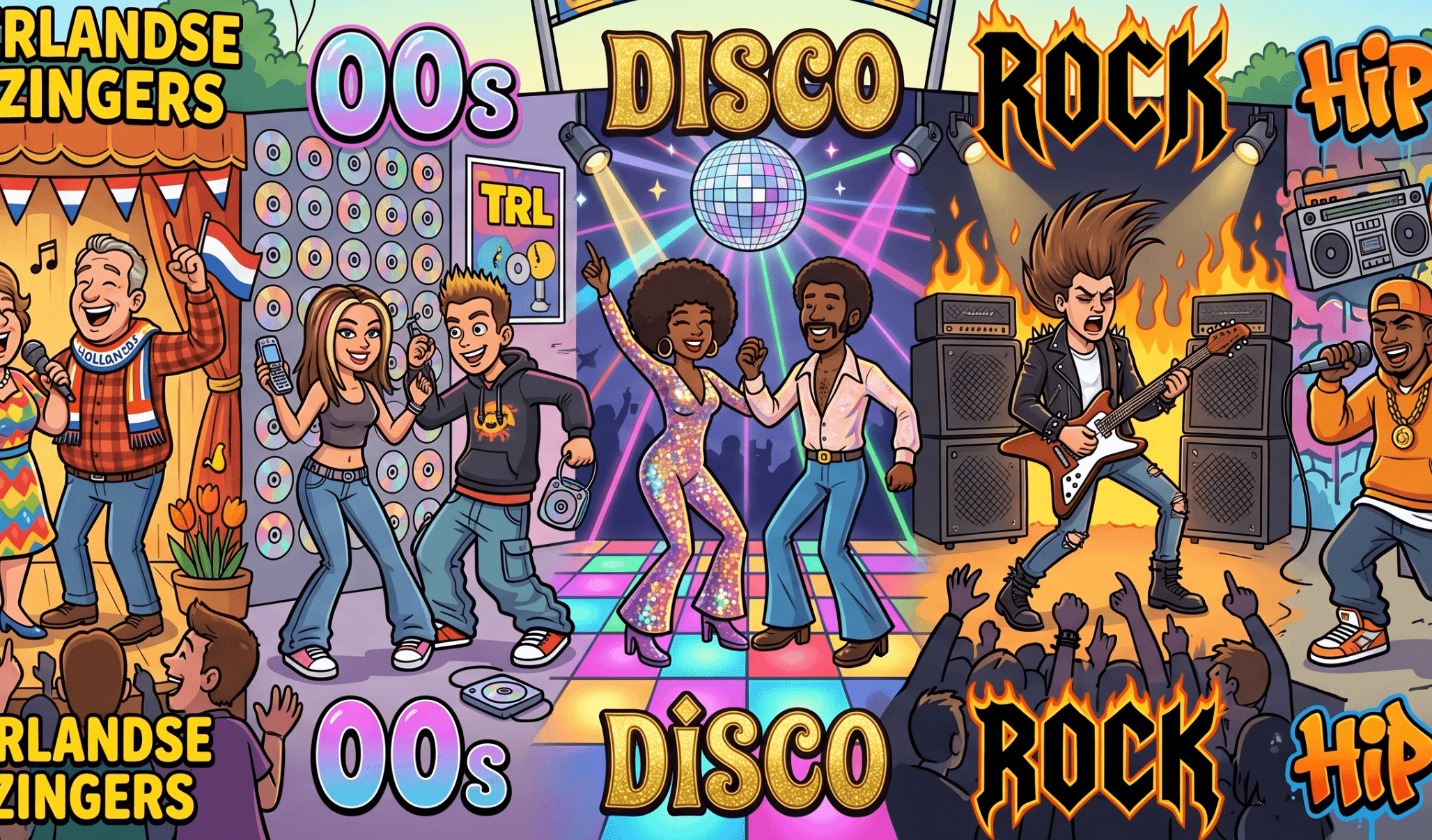
- Theme: Choose a theme that fits the occasion. Older crowds tend to love 70s and 80s hits. Younger groups usually go for 90s or 2000s bangers.
Step 3: Use Spotify's recommendations smartly
Already have a few songs in your list? Scroll to the bottom of your playlist in Spotify and look for "Recommended songs". Spotify automatically suggests similar tracks based on what you've already added. It's a brilliant way to fill out your list without hours of searching.
Other handy ways to find songs:
- Search "Top hits [year]" — Spotify has ready-made charts for every year.
- Browse genre playlists like "80s Rock Anthems", "90s Dance Hits" or "Summer Pop Hits".
- Check related artists when you're looking for a specific sound or style.
Step 4: Import your playlist into MusicBingoMaker.com
Once your playlist is ready, you can import it directly using the Spotify import button on MusicBingoMaker.com. Here's how:
1. Open your playlist in Spotify and copy the link (Share → Copy link).
2. Head to MusicBingoMaker.com and click "Import via Spotify".
3. Paste the link and your songs are loaded automatically.
4. Fine-tune the list if needed: remove any songs that don't quite fit, or add a few extras.
5. Choose your theme, font and grid size, then download your cards.
Within minutes you have unique cards for every player — ready to print.
Step 5: Prepare for the game night
A little prep goes a long way. Here are a few tips to make the evening run smoothly:
- Shuffle your playlist so even you don't know which song is coming next. It makes the game more exciting for everyone.
- Play each clip for at least 15 to 20 seconds so players have enough time to recognise the song and mark their card.
- Use a Bluetooth speaker with enough volume. Good sound makes a huge difference to the atmosphere.
- Enable aeroplane mode on your phone (but keep Wi-Fi on for Spotify) so incoming calls don't interrupt the game.
How many songs do you need per round?
That depends on the size of your bingo card:
- 3×3 card: 9 squares — you need at least 9 songs per round
- 4×4 card: 16 squares — at least 16 songs
- 5×5 card: 25 squares — at least 25 songs
Playing multiple rounds? Use the same playlist but reshuffle it, or create separate playlists for each round to keep things fresh.
Spotify Free vs Premium
Spotify Free works in a pinch, but there are some drawbacks for music bingo:
- Ads can interrupt the game at the worst possible moment
- Shuffle play isn't always available on mobile with the free plan
- Offline playback requires Spotify Premium
If you're organising a proper group event, Premium is worth it for the uninterrupted experience.
Wrapping up
Spotify and music bingo are a golden combination. With a well-built playlist and the import feature on MusicBingoMaker.com, you can have everything ready for an unforgettable night in just a few minutes. Enjoy!
Don't feel like building your own playlist? Pick one of our ready-made themes — the music's already loaded.
🎵
Ready to make your own music bingo?
Make your own music bingo cards in minutes and download them directly as a PDF.
Start for free →